Install Ecovacs Deebot into Jeedom
Doc for running Ecovacs Deebot vacuum cleaner robots with Jeedom
⚠️ Early Beta! This is not a good integration, it is a quick (and dirty) working solution to control the robot from Jeedom. There is no communication from the robot to Jeedom.
Tested on Jeedom 4.3.11, Raspbian Buster, DEEBOT OZMO 950 Series DX9G.
Library https://github.com/mrbungle64/ecovacs-deebot.js, thanks to Sascha
On the raspberry
sudo apt-get update
sudo apt-get install build-essential libcairo2-dev libpango1.0-dev libjpeg-dev libgif-dev librsvg2-dev nodejs
npm install node-machine-id ecovacs-deebot
sudo mkdir /var/scripts/
Download and move those 2 files: ozmo.js deebot.sh into /var/scripts/
On the raspberry
sudo chmod 755 /var/scripts/*Into Jeedom
Install the Script plugin: https://market.jeedom.com/index.php?v=d&p=market_display&id=20
Then go to -> Plugins -> Programming -> Script -> Add
Set the robot name
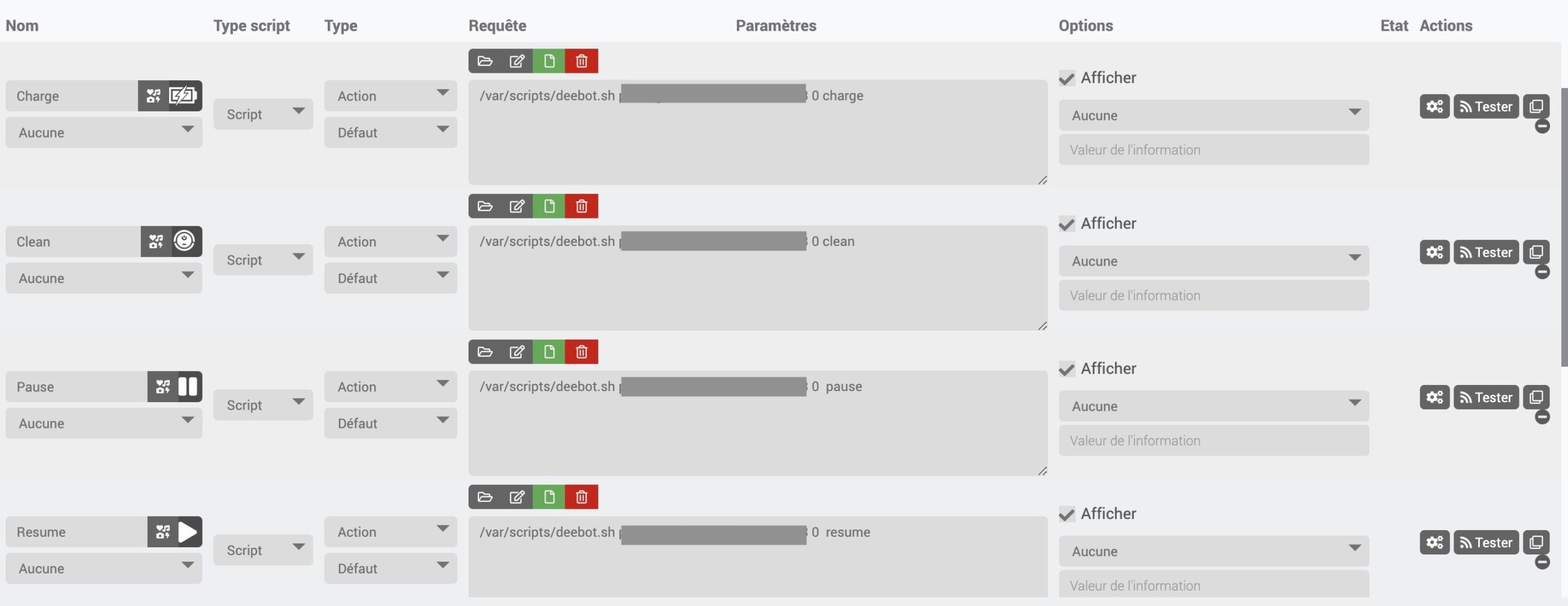
In the new object go to -> Commands -> Add script command
And create all the robots commands. You can find all commands here: https://github.com/mrbungle64/ecovacs-deebot.js/wiki/Shortcut-functions
In the request field the syntax is:
/var/scripts/deebot.sh [your_username] [your_password] [robot_id] [command]
Example:
/var/scripts/deebot.sh my@email.org mypassword 0 clean
Robot id is 0 is you only have one.
Username and password are the same as the ecovac mobile app
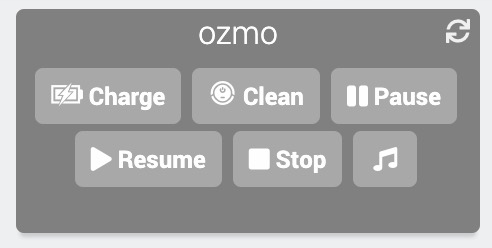
On the dashboard